Jump to content
View in the app

A better way to browse. Learn more.

FileZipa

A full-screen app on your home screen with push notifications, badges and more.

To install this app on iOS and iPadOS
  1. Tap the Share icon in Safari
  2. Scroll the menu and tap Add to Home Screen.
  3. Tap Add in the top-right corner.
To install this app on Android
  1. Tap the 3-dot menu (⋮) in the top-right corner of the browser.
  2. Tap Add to Home screen or Install app.
  3. Confirm by tapping Install.

I'll Install WP Blocksy Pro with Official License Agency Lifetime

(1 review)
$15

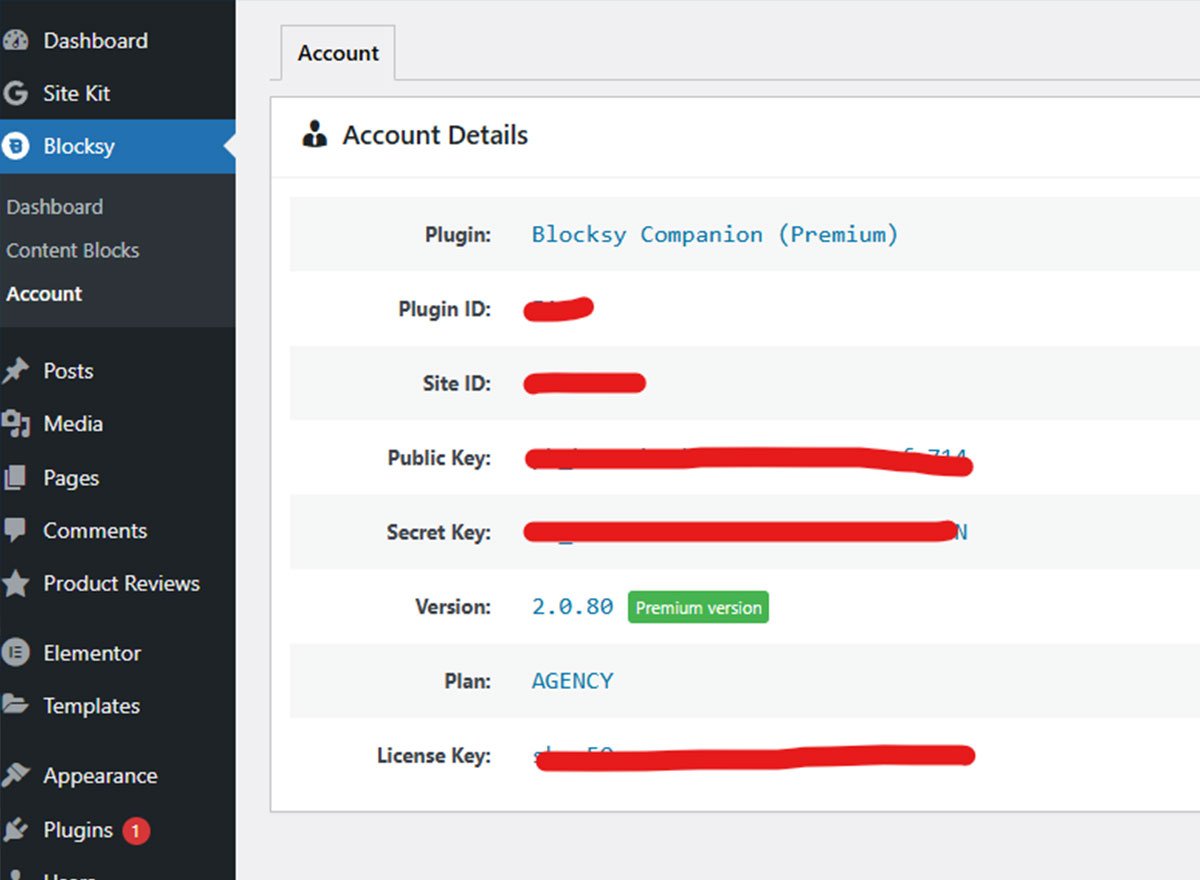
I will Install Blocksy Pro Plugin on your WordPress site with Official Lifetime Agency License. You can update the plugins from your Dashboard.

You will get:

  1. Blocksy Pro WordPress Plugin

  2. Lifetime updates within WordPress Dashboard

Note: I'll install and activate BlocksyPro WordPress Plugin myself and Key will not be shared buyer!

Service includes:

  • Install License

  • Install Pro Plugin

Delivery: 1 day

  • WordPress Site Url (https://yourdomain.com/wp-admin)
  • WordPress Admin Username
  • WordPress Admin Password (use the "Temporary login without password" plugin to create temporary access)
  • for any Additional Request

Product Reviews


Thank you :)

Configure browser push notifications

Chrome (Android)
  1. Tap the lock icon next to the address bar.
  2. Tap Permissions → Notifications.
  3. Adjust your preference.
Chrome (Desktop)
  1. Click the padlock icon in the address bar.
  2. Select Site settings.
  3. Find Notifications and adjust your preference.